Accessible Influencer Campaigns: Captions, Alt Text and Inclusive Creator Content
How brands can make creator content accessible: captions and transcripts, alt text, readable on-screen text and colour contrast, avoiding flashing content, audio description, plain language, accessible links and landing pages, and how to brief and check creators.
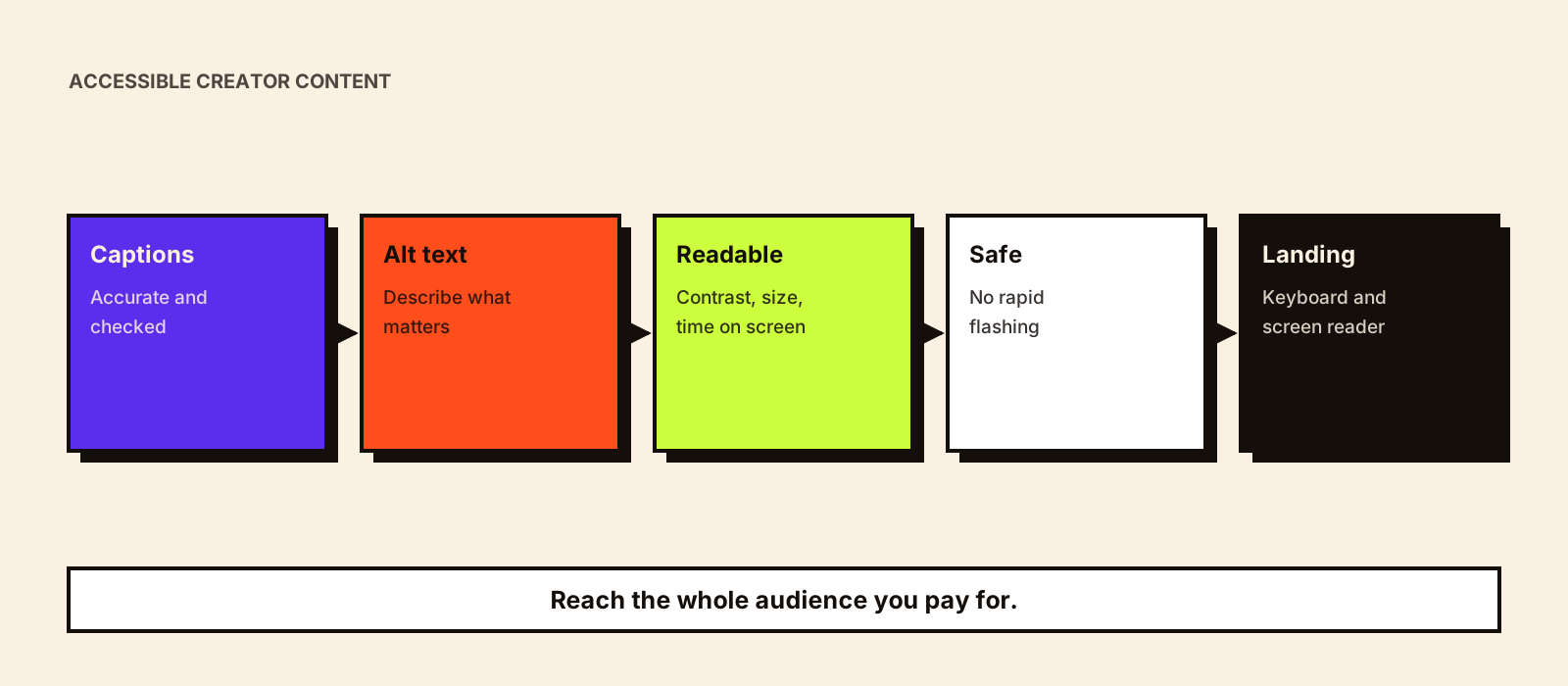
Many people in a creator's audience watch without sound, use screen readers, have low vision or process information differently. The WHO estimates 1.3 billion people, about 16% of the world's population, experience significant disability, and the ABS found 5.5 million Australians (21.4%) had disability in 2022. Accessible content reaches more of the audience you're paying for. This guide covers what to ask creators for and how to check it.
Quick answer
Ask creators for accurate captions on every video, alt text on images, readable on-screen text with good contrast, no rapid flashing, important information spoken as well as shown, plain language, and descriptive links. Make sure the landing page works with a keyboard and a screen reader. Put these in the brief and the approval checklist, and allow time for captions to be checked, because automatic captions are often wrong on product names.
What to ask for
| Element | What good looks like | Why |
|---|---|---|
| Captions | Accurate, synced, including product names and key sounds like [music] or [laughs] | Viewers who are deaf or hard of hearing, or watching without sound |
| On-screen text | Large, high contrast, on screen long enough to read, not covered by app buttons | Low vision; small screens |
| Alt text | Describes what matters in the image, including the product | Screen reader users |
| Spoken information | Prices, offers and disclosure said aloud as well as shown | Blind and low-vision viewers |
| Flashing | No more than three flashes in any one second | Photosensitive viewers |
| Language | Plain words; explain jargon | Cognitive accessibility; second-language viewers |
| Links and landing pages | Descriptive link text; pages usable by keyboard and screen reader | The campaign shouldn't fail at the last step |
These points follow the principles in WCAG 2.2, the W3C's accessibility standard, and its guidance on accessible audio and video. WCAG is written for web content, but its principles apply well to social posts.
Platform tools
- YouTube: add or edit captions in YouTube Studio; check automatic captions before publishing
- Instagram: write custom alt text in the post's advanced or accessibility settings instead of relying on automatic descriptions
- TikTok: auto captions can be generated and edited before posting
- All platforms: menus change, so check each platform's help pages
YouTube's steps are in its help page on adding subtitles and captions.
Accessible disclosure
Disclosure must be clear to everyone. Say 'ad' or 'paid partnership' out loud in videos, keep the on-screen label long enough to read, and put the disclosure at the start of the caption rather than after a long block of hashtags. This also helps meet advertising rules in most markets; see influencer marketing compliance.
Working with disabled creators
Disabled creators bring expertise and audiences that brands often overlook. Brief them for their craft and audience, not only for awareness days; pay them the same way as other creators; ask what access needs they have for shoots, events and deadlines; and don't edit their content in ways that change how they present themselves.
Adding accessibility to your workflow
- Brief: include the accessibility checklist and budget time for captions
- Draft review: check captions, contrast, flashing and spoken information
- Before posting: alt text and caption text added
- Landing page: test with a keyboard and a screen reader
- Reporting: note completion rates with captions where platforms show it
The wider review process is in creator content approval and influencer content quality checks.
Common mistakes
- Publishing unchecked automatic captions
- Key details only in tiny on-screen text
- Offers and disclosure shown but never said
- Fast cuts and flashing effects in launch videos
- Accessible content leading to an inaccessible landing page
Conclusion
Accessibility in creator campaigns is mostly about planning: put it in the brief, check it at approval, and make sure the landing page works. The result reaches more of the audience you're paying for and makes disclosure clearer for everyone.