How to Use Creator Content on Product Pages to Improve Conversion
Most creator videos are seen once in a feed and never again. The product page is where they can keep working: answering the questions that stop people buying. Which clips to use, where to place them, how to keep the page fast and how to tell whether it's helping.
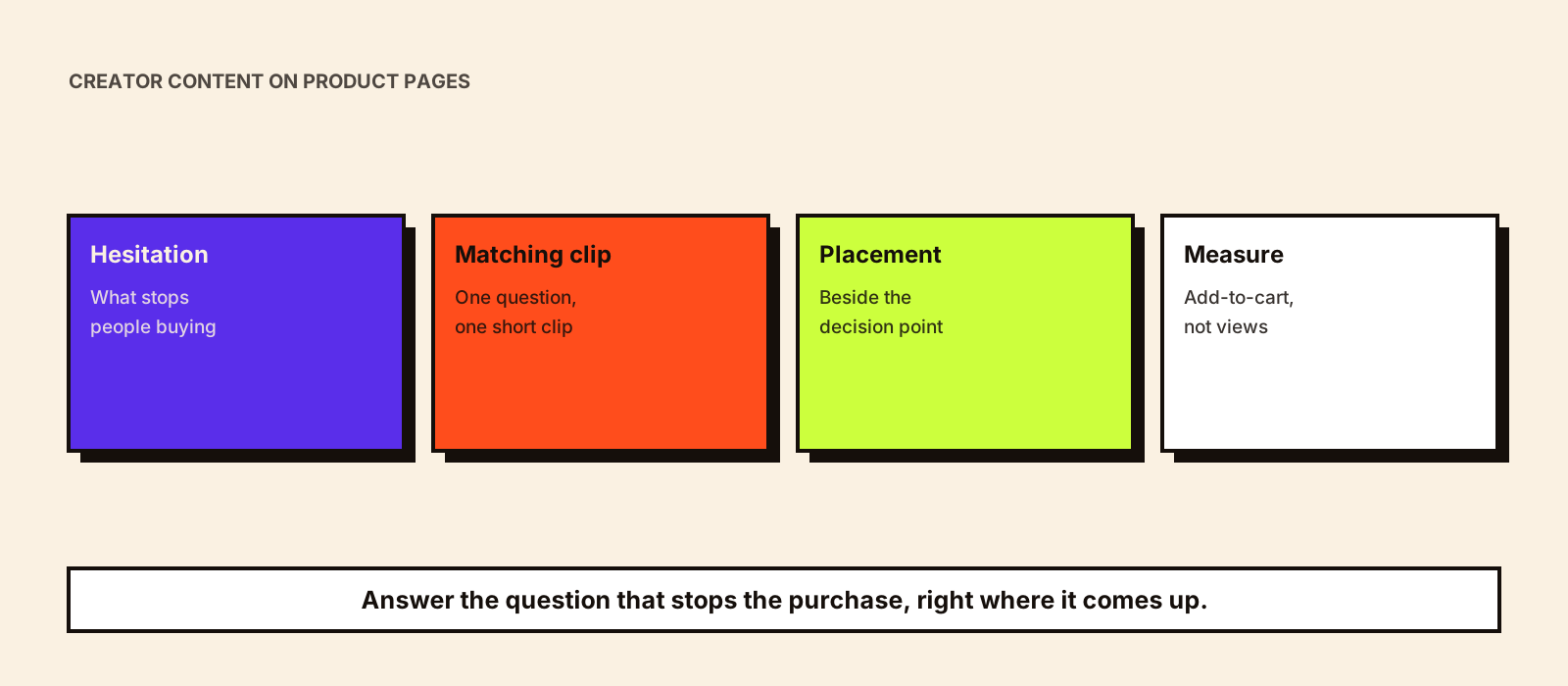
A shopper who reaches your product page has already done the hard part: they clicked. If they leave without buying, it's usually because a question went unanswered. Does it fit? Is it as big as it looks? Will it work with what I already have? Creator content is often the fastest way to answer those questions in the shopper's own terms, and the product page is where most brands under-use it.
Quick answer
Start from the reasons people hesitate on the page, not from the content you happen to have. For each hesitation, pick a short creator clip that answers it directly, place it next to the part of the page where that hesitation shows up (near the size selector, below the price, beside the specifications), and make sure you have the rights to use it on your own site. Keep videos light so the page stays fast, test one change at a time, and judge the result by add-to-cart and checkout rates for that page, not by video views.
Product page, landing page or returns content?
Three related jobs get mixed up. A campaign landing page is a page built for traffic from one campaign; see influencer campaign landing pages for when you need one. Returns-focused content aims to stop the wrong people buying; see how creator content can reduce returns. This guide is about the permanent product page that all your traffic lands on, from search, ads, marketplaces and creators, and how to make creator content part of it.
Step 1: Find where and why people drop off
Before choosing any content, collect the evidence for what's stopping people. You probably already have most of it.
- Analytics: product pages with high traffic but a low add-to-cart rate, and pages where mobile converts much worse than desktop.
- Customer service tickets and chat logs: the questions people ask before buying, in their exact words.
- Reviews and ratings: the complaints that appear more than once, and the praise that surprised people.
- Return reasons: 'smaller than expected', 'colour different', 'didn't fit my device'.
- Comments on creator posts: what the audience asked the creator about the product.
- Session recordings or heatmaps, if you use them: where people scroll back up, or stop scrolling.
Write the top five or six hesitations as plain questions. That list is your content brief for the page.
Step 2: Match each hesitation to the right clip
Different doubts need different kinds of proof. A polished lifestyle Reel rarely answers 'will this fit in my bag?'. A ten-second clip of a creator putting it in their bag does.
| Shopper hesitation | Clip that answers it | Where to place it |
|---|---|---|
| Is it the size I imagine? | Creator holding or using it next to everyday objects | Beside the main image gallery |
| Will it fit or suit me? | Two or three creators with different body types, skin tones or room sizes | Next to the size or shade selector |
| How do I use it? | A short first-use or setup clip, start to finish | Below the description, or in a 'How to use' tab |
| Does it actually work? | A creator showing the result over time, with honest limits | Near the price or the main benefit claim |
| Is it worth the price? | A comparison or 'what you get in the box' clip | Below the price block |
| Will it work with what I have? | A compatibility check on common devices, fittings or setups | Beside the specifications |
If you don't have a clip for a hesitation, that's a gap to brief in your next campaign. Writing it into the brief from the start is far cheaper than reshooting later; ask for a short, unbranded-feeling cut alongside the creator's main post.
Step 3: Check the rights before anything goes live
Permission to post on a creator's feed is not permission to put their video on your website. Product page use is a separate use: it's usually long-running, it appears on your owned channel, and it may later be reused in ads. Agree it in writing, with the duration and channels named, and keep a record against each clip. Influencer usage rights covers what to agree; if the clip will also run as a paid ad from the creator's handle, that's a separate permission on the platform as well.
- Is website or product page use listed in the agreement, and for how long?
- Does the clip show anything that needs a separate release (other people, music, a third-party logo)?
- Does it make a claim your product page can't substantiate? A claim on your own page is your claim.
- Is the disclosure still clear? A paid creator clip on your site should be identifiable as a creator partnership, for example with the creator's name and 'paid partnership' in the caption.
- Who removes it, and how quickly, if the rights expire or the creator relationship ends?
Step 4: Place and format clips so they help, not distract
A wall of videos below the reviews looks busy and gets ignored. A small number of short clips, each placed beside the decision it supports, does more.
- Lead with one clip in the main gallery: usually the clip that shows real scale or real use.
- Keep clips short. Fifteen to thirty seconds is usually enough to answer one question.
- Add captions or on-screen text; many shoppers browse with sound off.
- Give each clip a one-line label that says what it answers ('Fits a 15-inch laptop', 'Shade on medium skin').
- Show who the creator is, so the clip reads as a real person's experience, not an ad.
- Crop for mobile first. Vertical clips can sit in a gallery that works on small screens.
Step 5: Keep the page fast
Video can slow a product page down badly, and a slow page loses more buyers than a good clip wins back. Don't autoplay several videos at once. Show a lightweight poster image and load the video only when someone taps or scrolls to it; web.dev's guide to lazy loading video explains the technique your developer will use. Compress clips, serve them from a video host or CDN, and check mobile speed after every change, not just on the office Wi-Fi.
Step 6: Test it and measure the right thing
Video plays aren't the goal. The question is whether shoppers who reach the page are more likely to buy. Where your platform allows it, run a split test: half of visitors see the page with the new clip, half without, for long enough to cover weekdays and weekends. If you can't split-test, change one page at a time and compare it with a similar page you left alone over the same weeks.
| Metric | What it tells you |
|---|---|
| Add-to-cart rate for the page | Whether more visitors decide to buy |
| Checkout completion from that page | Whether the clip helps people follow through |
| Clip play rate and completion | Whether shoppers notice and use it (a diagnostic, not the result) |
| Pre-purchase questions on that product | Whether the clip answered what people used to ask |
| Returns for the reason the clip addresses | Whether expectations got more accurate |
| Mobile page load time | Whether the clip is costing you speed |
Be careful with small numbers. A product page with a few hundred visits a week can swing a lot on chance. Run the test for longer, or test on your highest-traffic pages first.
An illustrative example
Hypothetical: a backpack brand sees that one model gets plenty of traffic but a weak add-to-cart rate on mobile, and chat logs keep asking whether a 16-inch laptop fits. From an earlier campaign, it has a clip of a creator packing a laptop, charger and water bottle into the bag. After confirming website use is covered in the agreement, the brand adds the clip beside the gallery with the label 'Fits a 16-inch laptop', lazy-loads it, and compares the page with the previous four weeks and with a similar model it left unchanged. The decision to keep or remove the clip rests on the add-to-cart rate and the number of laptop-size questions, not on how many people pressed play.
Building a supply of product page clips
If product pages become a regular home for creator content, plan for it rather than scavenging old campaigns. Many brands commission short, product-focused clips specifically for this, separate from creators' feed posts. Kudozz's UGC campaigns service is built for that kind of brief. Whichever route you take, tag every clip by product, the question it answers and its rights expiry, so your team can find the right one later.
Product: [name and variant]
Question this clip must answer: [e.g. 'Will it fit a 16-inch laptop?']
Show: [the specific action, e.g. packing a laptop, charger and bottle]
Length: 15–30 seconds, vertical, works without sound (on-screen text)
Avoid: claims we can't support, music we can't license, other brands' logos
Rights needed: website and product page use for [duration]; paid ads optional, priced separately
Delivery: raw file plus edited cut, file named [product]-[question]-[creator]
Common mistakes
- Adding clips because you have them, not because they answer a real hesitation.
- Using feed content on the site without website use in the agreement.
- Autoplaying several videos and slowing the page on mobile.
- Judging success by video views instead of add-to-cart and checkout rates.
- Letting a creator's claim on your page go further than the product can support.
- Never removing clips when rights expire or a product changes.
Conclusion
Creator content earns its place on a product page when it answers a specific question that was stopping people buying. Find the hesitations, match a short clip to each, place it where the doubt arises, secure the rights, keep the page fast and judge it by conversion. Then brief your next campaign to fill the gaps you found.