How to Get Sales Teams to Use Influencer Content in Their Conversations
Creator videos that answer real buyer questions can help sales reps, dealers and store staff close more conversations, but only if they can find the right clip in seconds and are allowed to share it. How to organise, clear, format and roll out creator content for sales.
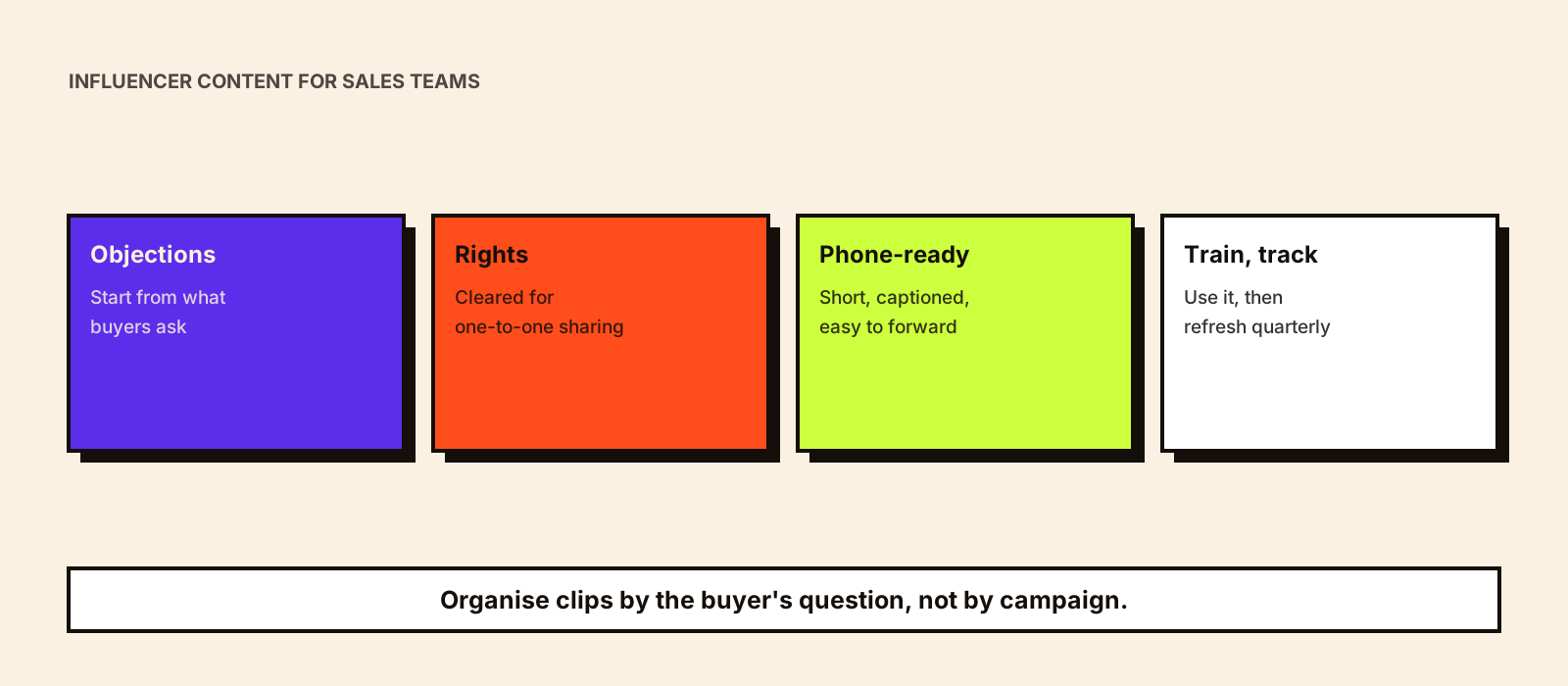
Marketing teams often have dozens of good creator videos that answer the exact questions buyers ask: does it work, how is it set up, what's it like after a month. Meanwhile, sales reps and dealers keep answering those questions from memory, or forwarding a brochure. The content and the conversations never meet. Fixing that is less about the content and more about making it findable, shareable and trusted by the people who sell.
Quick answer
Ask your sales team which questions and objections come up most, then pick a small set of creator clips that answer each one. Clear the rights for one-to-one sharing (WhatsApp, email, in-store screens), cut short versions that work on a phone, and store them in one place organised by objection and buying stage. Show reps how and when to use each clip with a short session and a one-page guide, then track which clips get used and which help close deals. Start with ten to twenty clips, not your whole library.
Repurposing influencer content covers sales enablement as one of several reuse options. This guide is the detailed version for teams that want sales to rely on creator content regularly.
Why sales teams don't use marketing content
- They can't find the right clip quickly during a conversation.
- The content answers marketing's message, not the buyer's question.
- Files are too large or the wrong format to forward on WhatsApp.
- Reps aren't sure whether they're allowed to share it.
- Nobody showed them how to use it, or why it helps.
- The creator isn't someone their buyers would recognise or trust.
Each of these has a practical fix. The steps below take them in order.
Step 1: Start from the sales conversation
Sit with three or four of your best salespeople, dealers or store staff and list the questions and objections they hear every week. Group them by buying stage. You'll usually end up with a short list that covers most conversations.
| Buying stage | Typical question (example) | Creator clip that helps |
|---|---|---|
| Early interest | What does it actually do? | A plain-language explainer from a trusted creator |
| Comparison | How is this different from [competitor type]? | An honest comparison or 'why I switched' clip |
| Objection | It's too expensive / too complicated | A creator showing value over time, or a setup in minutes |
| Risk | Will it work in my situation? | A creator with a similar use case, business size or home |
| Decision | What happens after I buy? | Unboxing, onboarding or first-week experience |
For B2B, 'situation' often means industry or company size. Clips from practitioners in the buyer's own field carry more weight than general business creators; creator-led B2B marketing covers how to work with them.
Step 2: Clear the rights for sharing
Sharing a clip one-to-one on WhatsApp, showing it on a store screen or including it in a sales deck are all uses beyond the creator's own post. Make sure your agreements cover them, for the length of time sales will use the content. For future campaigns, add 'internal and one-to-one sales use' explicitly to the rights you ask for; it's usually cheaper to agree upfront than to go back later.
- Which uses are covered: one-to-one messaging, email, presentations, in-store screens, dealer distribution?
- For how long, and in which markets?
- Can dealers or distributors share it, or only your own team?
- Is the clip still accurate (price, features, offer)?
- Does it keep the creator partnership visible? Forwarded clips lose captions, so keep the disclosure in the video itself.
Step 3: Make every clip easy to share on a phone
- Cut short versions, typically under a minute, that answer one question each.
- Keep file sizes small enough to forward on WhatsApp without failing on a weak connection.
- Burn in captions, since many buyers will watch with the sound off.
- Add an opening line or end card naming the product and, for paid content, the partnership.
- Prepare a suggested one-line message for reps to send with each clip.
- Where a regional language helps, keep the regional version alongside the original.
Step 4: Put it where sales already works
Don't make reps learn a new tool. If they live in WhatsApp and a shared drive, organise a shared folder by objection and stage, with a short index. If you have a CRM or sales enablement tool, add the clips there. Whatever the location, the structure should match how reps think: by question, not by campaign name or creator. Building an influencer content library covers the tagging and rights register behind this.
Question it answers | Buying stage | Clip name | Length | Language | Creator | Rights valid until | Suggested message to send
'Is setup difficult?' | Objection | setup-in-5-min_creatorname | 0:45 | Hindi | [handle] | 31 Mar 2027 | 'Here's a quick video showing the setup, it took her about five minutes.'
Step 5: Train, then keep it fresh
A thirty-minute session usually does more than a long document. Show three or four real conversations where a clip would have helped, play the clips, and agree when to send them. Give reps a one-page guide with the top ten clips and their messages. Then refresh the set every quarter: remove clips that are outdated or whose rights have expired, and add new ones from recent campaigns that answer questions reps still struggle with.
If you're commissioning creator content specifically for sales, brief it around the objections from step 1. Kudozz's UGC content production service can produce short, question-led clips designed for this kind of use.
Dealers, distributors and store staff
For brands that sell through dealers or retail staff, the same principles apply with a few additions. Partners need permission in writing to use the content, clear dates for when it expires, and a version that doesn't include offers they can't honour. Store staff benefit from clips they can show on their own phone at the counter, especially for products that are hard to demonstrate in the store. Keep a simple way for partners to request clips for questions you haven't covered.
Measuring whether it works
| Signal | How to capture it |
|---|---|
| Which clips get used | Downloads or shares from the folder or tool; ask reps in team meetings |
| Which clips help close | A 'content sent' field in the CRM, compared with win rates |
| Time to close | Deals where clips were used vs similar deals without |
| Missing content | Questions reps say they still answer without help |
| Partner use | Dealer or store requests and feedback |
Treat early comparisons with care. Reps who use content may also be the stronger reps, so a higher win rate isn't proof that the clips caused it. Look for consistent patterns over time and listen to what reps say helped.
Common mistakes
- Dumping the whole campaign archive into a folder and calling it enablement.
- Organising clips by creator or campaign rather than by buyer question.
- Sharing content beyond the rights agreed with creators.
- Files that won't send on WhatsApp, or lose the disclosure when forwarded.
- No training, so only one or two enthusiastic reps ever use the clips.
- Never removing outdated clips that show old prices or features.
Conclusion
Sales teams will use creator content when it answers the questions they hear every day, is cleared for sharing and takes seconds to find and send. Start with the objections, choose a small set of clips, format them for a phone, train the team and refresh the set each quarter. Then brief future campaigns to fill the gaps sales tells you about.