How to Build an Influencer Content Library Your Team Can Actually Use
Creator content scattered across inboxes and drives gets lost, reused without rights or never reused at all. How to set up a content library: what to store, a tagging system, a rights register with expiry dates, performance notes and a reuse workflow.
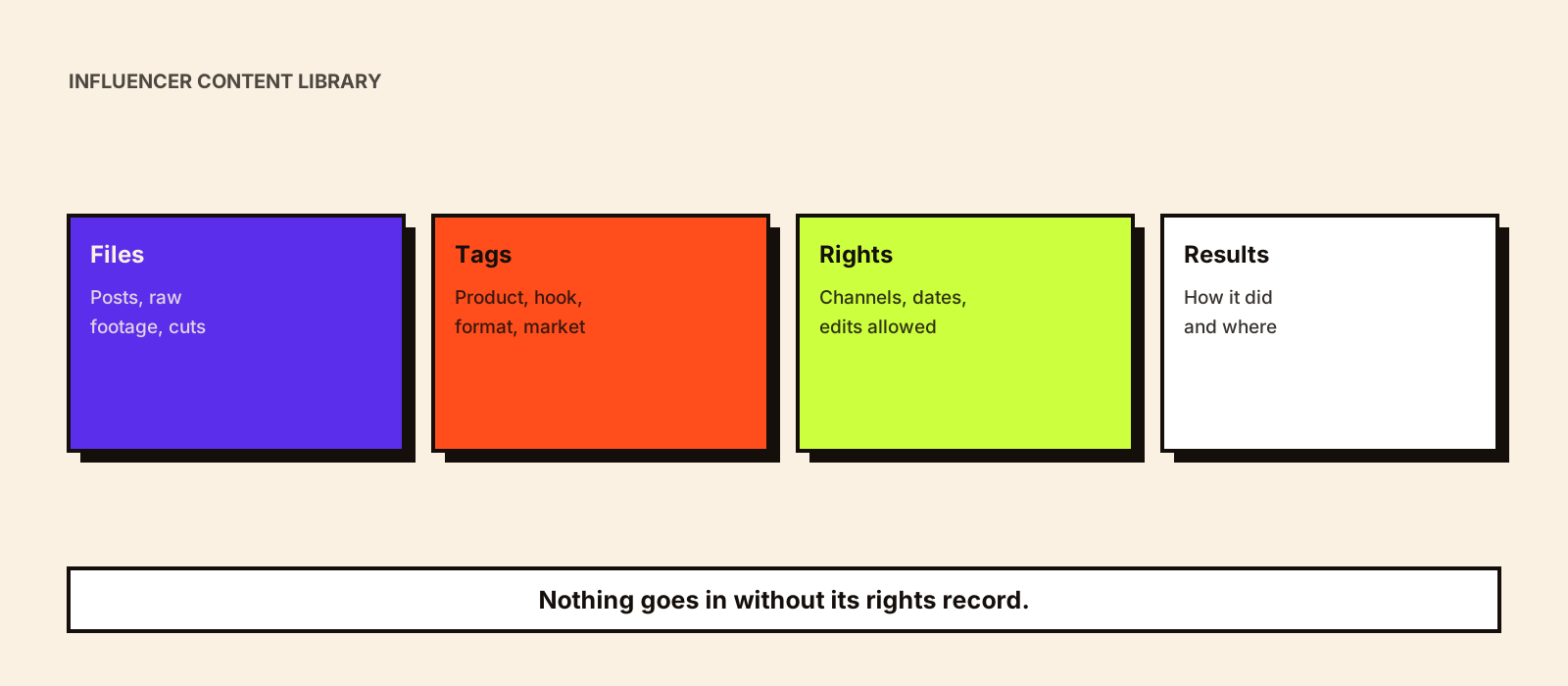
After a few campaigns, most brands own hundreds of creator videos and photos, and can find almost none of them. The ad team asks for 'that unboxing from March', nobody knows whether the licence covers ads, and a strong video sits unused while new content is commissioned. A content library fixes this with a simple structure and one rule: nothing goes in without its rights record.
Quick answer
An influencer content library is one shared place that stores every creator asset with three things attached: tags that make it findable (product, creator, format, hook, objective, market, language), a rights record (where it may be used, until when, and whether edits are allowed), and performance notes (how it did, where). Add a simple workflow for adding, requesting and retiring assets, review expiring rights monthly, and the library becomes a source of ad creative and product-page content rather than an archive.
What to store
- Final posted versions, with the live post URL and date.
- Raw footage and alternative takes, if the contract includes them; they are the most useful files for ads.
- Edited cuts made by your team, linked to the original.
- Captions, on-screen text and any claims used.
- The signed agreement or the rights section of it, linked rather than copied.
- Disclosure used, and the creator's handle and platform.
A tagging system
| Tag group | Example values | Used for |
|---|---|---|
| Product | SKU, range, launch | Finding content for a product page or ad set |
| Creator | Handle, tier, role (expert, everyday, entertainer) | Rebooking and creator-level analysis |
| Format and length | Reel 30s, Story set, YouTube integration, raw | Matching placements |
| Hook and proof type | Problem-first, demo, comparison, price, before/after | Creative learning across campaigns |
| Objective | Reach, consideration, conversion, retention | Choosing content for each stage |
| Market and language | India/Hindi, UAE/Arabic, UK/English | Avoiding content in the wrong market |
| Rights status | Organic only, paid until date, expired | Preventing unlicensed reuse |
Keep the tag list short and controlled: a fixed set of values per group, chosen from a drop-down, not typed freely. Free text creates 'Reel', 'reels' and 'IG reel' as three different things.
The rights register
| Field | Example |
|---|---|
| Channels allowed | Organic brand social, paid social, website, product pages, email |
| Paid permission | Partnership ads from the creator's handle until 30 June; brand-handle ads not allowed |
| Territory | India and UAE |
| Start and expiry | 1 March to 31 August |
| Edits allowed | Cuts and captions yes; no changes to what the creator says |
| Exclusivity linked | Category exclusivity until 31 May |
| Agreement reference | Link to the signed contract |
Review the register monthly for anything expiring in the next 30 days: renew it, or pull the asset from ads and pages before the date. Influencer usage rights explains what to negotiate, and influencer content ownership the difference between owning and licensing.
Performance notes
- Organic results captured on the agreed day: views, reach, saves, shares, clicks.
- Paid results if it ran as an ad: spend, cost per result, and when it started to fatigue.
- A one-line note on why it worked or didn't, in plain language.
- Where it has been reused, so the same asset isn't overused in one channel.
Analysing winners is covered in influencer content performance, and spotting tired creative in influencer ad fatigue.
Workflow and access
- Add: the campaign manager uploads each asset within a week of delivery, with tags and the rights record; incomplete records aren't published to the team.
- Request: teams search the library first and request new content only for gaps.
- Use: anyone using an asset logs where; the rights status is checked at the point of use.
- Retire: expired assets are archived and marked, not deleted, so you keep the history.
- Access: viewing for the wider team, editing for a few owners; contracts visible only to those who need them.
A shared drive with a spreadsheet works for a few hundred assets. Dedicated digital asset management software helps once you have several teams, markets or thousands of files; choose it for search, tagging and rights-expiry alerts, not storage alone. Reuse ideas are in how to repurpose influencer content, and production at volume in the UGC production workflow.
Common mistakes
- Storing files without the rights record.
- Free-text tags that nobody uses consistently.
- Keeping only final posts and losing the raw footage.
- No expiry review, so licensed content keeps running after the term ends.
- A library only one person knows how to use.
Conclusion
A content library turns creator content into a reusable asset. Store files with tags, a rights record and performance notes, keep the tag list controlled, review expiring rights monthly, and make searching the library the first step before commissioning anything new.