How to Plan an Influencer Campaign for a New Store Opening
A new store needs local people to know it exists, find it and walk in during the first few weeks. How to choose creators by catchment, plan the preview and opening, handle filming permissions, keep the store's Google listing ready and repeat the approach across cities.
A store opening is one of the few marketing moments where 'local' really matters. Someone 40 kilometres away who sees a lovely opening Reel is unlikely to visit. Someone three kilometres away who sees a creator they follow walk through the new store on its first weekend might. The whole campaign should be built around that difference.
Quick answer
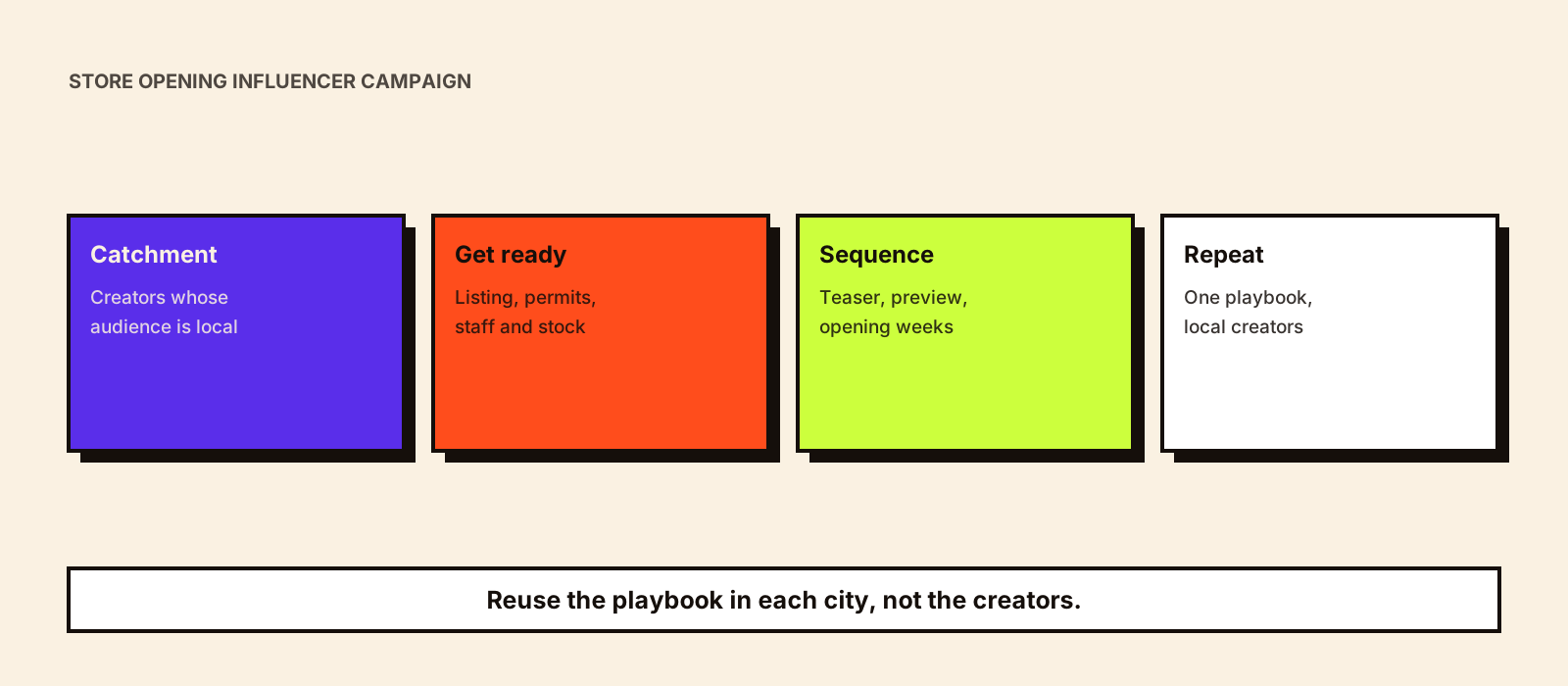
Define the store's catchment, then choose creators whose audiences are concentrated in it, even if they're small. Get the store's Google listing, filming permissions and staff briefing ready before creators visit. Run a short sequence: a teaser in the final week or two, a creator preview visit just before or on opening day, and walkthroughs and local offers over the first few weeks. Measure footfall, directions requests and code redemptions for that store. If you're opening in several cities, build a reusable playbook and a local creator list for each city rather than reusing one set of national creators.
Retail influencer marketing in India has a short store launch timeline as part of a wider retail guide. This article goes into the decisions behind each stage.
Step 1: Define the catchment
Your catchment is the area most of the store's customers will come from. For a neighbourhood café it may be a couple of kilometres; for a large-format furniture or electronics store it may cover a whole city. If you have other stores, look at where their customers live (delivery addresses, loyalty sign-ups, billing PIN codes) to estimate a realistic radius.
- Mark the catchment on a map, with the localities and PIN codes inside it.
- Note what's nearby: malls, colleges, office parks, residential societies.
- List the local moments in the opening window: festivals, salary days, school holidays, a cricket match.
- Check travel time, not just distance. Ten kilometres across a congested city is far.
Step 2: Choose creators by where their audience lives
For a store opening, audience location matters more than follower count. A creator with 15,000 followers, most of them in the city, can be worth more than one with 500,000 spread across India.
| Creator type | Role in the opening | What to check |
|---|---|---|
| City food, lifestyle or 'things to do' pages | Tell the city the store exists | Share of audience in your city, from their insights screenshots |
| Neighbourhood and community creators | Reach people inside the catchment | Which localities their followers are in; comment authenticity |
| Category creators based in the city | Show the range and why it's worth visiting | Product knowledge; past local collaborations |
| Regional-language creators | Reach audiences who don't follow English content | Language fit with the catchment |
| Customers and local fans | Add genuine word of mouth | Disclosure if they receive anything |
Ask creators for an audience screenshot showing top cities before you confirm anything. In smaller cities, there may be only a handful of relevant local creators; influencer marketing in tier 2 and tier 3 cities covers how to find and work with them.
Step 3: Get the store ready to be filmed and found
Creators will film what they see. If the store isn't ready, the content will show it. And if people can't find the store on maps, interest disappears at the last step.
- Google Business Profile: claimed, verified and complete with hours, phone number and photos before any creator posts.
- Filming permission: if the store is in a mall, check the mall's rules on shoots, lighting and tripods. Book a slot if needed.
- Staff briefing: who the creators are, when they're visiting, what they can film, and how to handle codes or offers.
- Product and stock: the products creators feature should be in stock in this store, in quantity.
- Signage and wayfinding: if the store is hard to find inside a mall or market, ask creators to show the route.
- A release process for customers or staff who appear on camera.
Start the Google listing early. Google's help on managing Business Profile photos and videos notes that photos and videos only appear once the profile is verified, and can take a day or two to show, so a listing set up on opening morning may still look empty when the first creator posts go live.
Step 4: Plan the sequence
| Stage | Timing (typical) | Creator activity | What to watch |
|---|---|---|---|
| Teaser | 1–2 weeks before | 'Something is opening on this street' content, behind-the-scenes setup | Saves, shares, location tags, comments asking when |
| Preview | 1–3 days before, or opening morning | Small creator preview visit with a guided walkthrough | Stories reach in the city; directions requests |
| Opening weekend | Days 1–3 | Live Stories, first-day finds, opening offer | Footfall, opening sales, code redemptions |
| First weeks | Weeks 1–4 | Walkthroughs, product finds, local challenges or guides | Repeat visits, footfall vs forecast, reviews |
| After | Month 2 onwards | Reuse the best clips on the store's listing and local pages; rebook strong creators for local moments | Ongoing local awareness and reviews |
If you're hosting a launch event, treat it as part of the sequence rather than the whole campaign. Event influencer marketing covers planning creator attendance, briefing and on-the-day coordination. An opening event that fills a room for an evening but isn't followed by walkthroughs in the weeks after tends to fade quickly.
Step 5: Brief creators for local action
The brief should make it easy for a local viewer to act: where the store is, when it's open and what's worth seeing. Leave room for the creator's style, but be specific about the essentials.
Store: [name], [full address and landmark]
Opening date and hours: [date, hours]
What makes this store worth visiting: [one or two specifics, e.g. the city's largest range of X, a café inside]
Must show: the entrance and how to find it; [2–3 products or areas]
Offer (if any): [code or phrase, validity, terms]
Location tag: use the store's Google/Instagram location
Disclosure: paid partnership label plus 'Ad' or 'Collab' in the first lines
Filming rules: [mall or store restrictions, customers on camera]
Posting window: [dates]
Opening in several cities
Brands opening stores in several cities often try to reuse one set of creators. It rarely works, because a Mumbai creator's audience won't travel to a new store in Lucknow. A better approach is one playbook and a separate local creator list for each city.
- Write the playbook once: sequence, brief template, staff briefing, measurement and approval steps.
- Build a local list of five to fifteen creators per city, with audience location checked.
- Use regional languages where the catchment calls for it.
- Keep a central record of rates, rights and performance, so each opening learns from the previous one.
- Rebook the best local creators for later moments (festivals, new collections), turning one opening into an ongoing local network.
- Space openings so your team can supervise each one; three openings on the same weekend usually means one is neglected.
Kudozz's social campaigns service can run these openings as a repeatable programme, with local creator discovery for each city.
Measuring the opening
| Metric | Source |
|---|---|
| Footfall in the first weeks vs forecast | Footfall counter or billing count |
| Directions requests and calls | The store's Google Business Profile performance |
| Code or offer redemptions by creator | Billing system or staff log |
| Local reach and audience location | Creators' insights screenshots |
| Reviews and ratings in the first month | Google listing and other review sites |
If you're opening several stores, compare openings that used creators with those that didn't, or with similar stores' first months. Measuring influencer impact on in-store sales explains how to do that comparison fairly.
Common mistakes
- Choosing creators by follower count instead of where their audience lives.
- Posting before the Google listing is live, so interested viewers can't find the store.
- Inviting creators before the store is ready to be filmed.
- Putting all the budget into opening day and nothing into the weeks after.
- Featuring products that aren't stocked in that store.
- Ignoring mall filming rules and having a shoot stopped on the day.
Conclusion
A store opening campaign succeeds when local people know the store exists, can find it and have a reason to visit in the first few weeks. Pick creators by catchment, get the store and its listing ready, run a short sequence beyond opening day and measure that store's footfall and directions. For multi-city rollouts, reuse the playbook, not the creators.