Pinterest Marketing Management for Brands: How to Build a Visual Content Strategy
How to manage Pinterest for a brand: business account setup, claiming your website, boards and Pins, visual search, product discovery and India availability caveats, evergreen content and Pinterest Analytics.
A home décor brand has hundreds of good product photos and styled room shots sitting in a shared drive. They go up on Instagram once and then disappear down the feed. Meanwhile, people planning a new living room are saving ideas on Pinterest for months before they buy. That gap is where Pinterest can be useful.
Quick answer
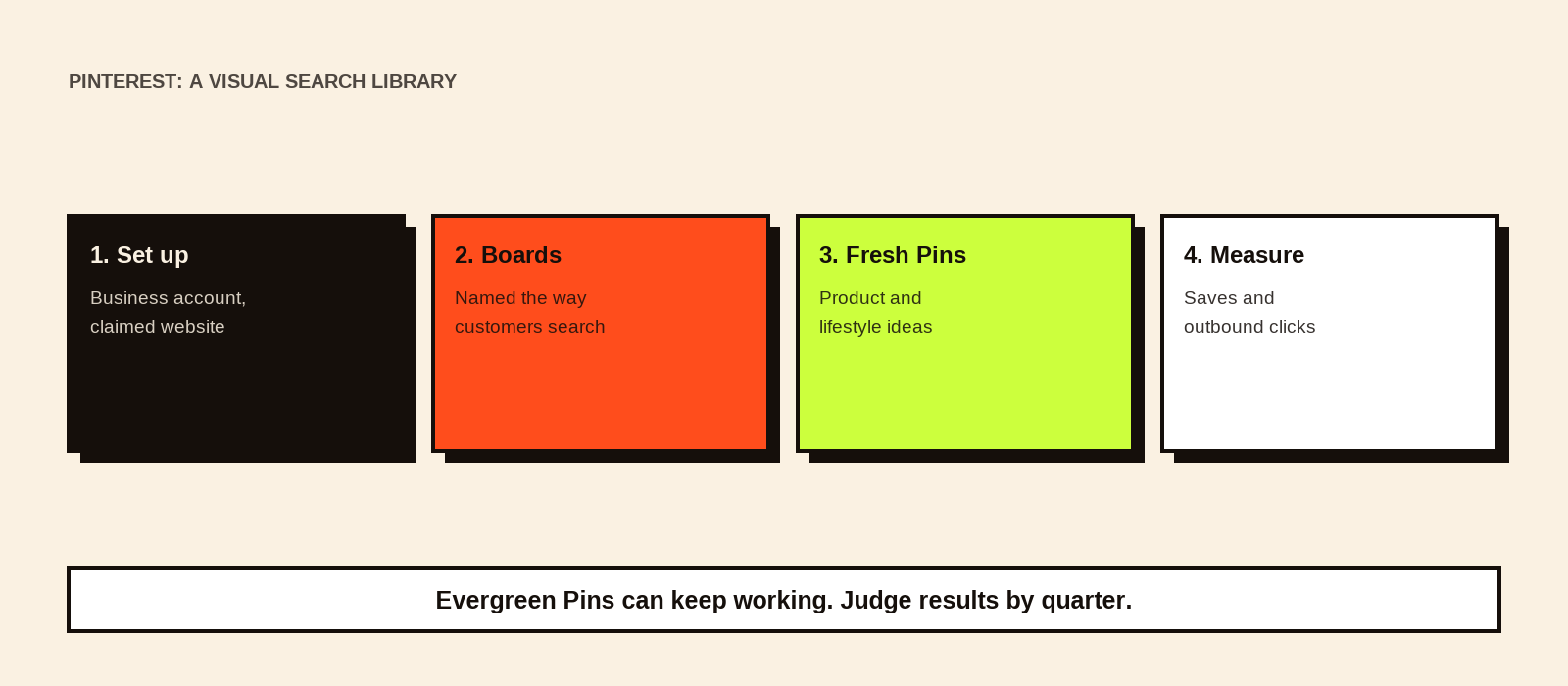
Pinterest marketing for businesses means running a business account as a visual search library: claiming your website, organising boards around what customers plan and search for, publishing fresh Pins that link to useful pages, and reviewing Pin stats each month. It suits categories where people plan ahead, such as home, food, fashion, beauty, weddings, travel and DIY. Content can keep working long after it's posted, so it rewards steady, evergreen effort.
Which businesses benefit, and when it's not a priority
Pinterest works best when your product is visual and people plan before buying. Think interiors and furniture, recipes and kitchen products, fashion and accessories, beauty looks, weddings and events, gifting, travel, crafts, gardening and parenting ideas.
It's usually not a priority for B2B services, local businesses that rely on walk-ins and calls, categories with little visual appeal, or teams that can only run one platform well. Pinterest also needs somewhere useful to send people, usually a website, so brands that sell only through marketplaces may get less from it. The wider decision is covered in how to choose social media platforms based on your business model.
Set up a business account and claim your website
Pinterest's help says a business account is free and gives you Pinterest Analytics and the ability to run ads. You can convert an existing personal account and keep its Pins and followers, though business accounts are public.
Next, claim your website. Pinterest explains that claiming shows you how often your content is shared on Pinterest and links your profile to Pins saved from your site. You need to own the domain and be able to edit its code, which is why most marketplace storefronts can't be claimed. Methods include an HTML tag, an HTML file or a DNS TXT record, and a website can be claimed by only one Pinterest account.
- Business account created under a company email, with at least two internal admins.
- Profile name, photo and description that say what you sell and who it's for.
- Website claimed by your own team or developer.
- Boards created before the first Pins go up.
- UTM tags agreed for Pin links, so website traffic can be tracked.
- A list of the pages each Pin should send people to.
Boards and Pins
Boards are how people browse your profile and how you organise ideas. Name them the way customers search, not after internal product codes: 'Small balcony ideas' rather than 'Collection B-24'. Board sections let you split a large board into subtopics. Aim for boards that are useful on their own, mixing your own Pins with a few relevant ideas.
At the time of writing, Pinterest's Help Centre describes creating Pins from images or videos, and making collages from cut-outs of Pins in the app. Each Pin can carry a title, description and link. Pinterest's guidance on Pin performance recommends high-quality images or videos, publishing your own fresh Pins rather than repeatedly saving the same ones, and warns that repeated saves can be flagged as spam.
- Vertical images and video that read clearly on a phone.
- A short text overlay that says what the idea is, where it helps.
- A title and description written in the words people search with.
- A link to the most relevant page, not always the home page.
- Several fresh Pins for one popular page, using different images or angles.
Visual search and product discovery
Pinterest Lens and visual search let people search with images: through the camera, a photo, or by selecting an item inside a Pin to find similar ideas and products. Pinterest's help on visual search notes it isn't available on ads or collage Pins. This is a good reason to use clear product photography where the item is easy to pick out.
For product discovery, Pinterest uses product Pins that show a product's title, description, price and availability, usually created in bulk from a retail catalog fed by your product data. A note for India: Pinterest's catalog help says Catalogs isn't available in every region and points to a separate availability list, and we couldn't confirm India's status from official pages at the time of writing (November 2026). Pinterest's ads overview also lists India under advertising partners rather than direct ad account setup. Check the current help pages, or ask Pinterest's partner, before planning catalog or shopping work.
Evergreen, product and lifestyle content
Pinterest says there's no set engagement window for Pins and that high-quality, relevant Pins can resurface seasonally. That makes evergreen ideas valuable: how-tos, guides, style ideas and seasonal plans you can refresh each year. Plan seasonal content early, because people tend to save ideas well before the event.
| Content type | What it looks like | When it helps |
|---|---|---|
| Product | Clean product shots, close-ups, colour options | People who already know what they want |
| Lifestyle | The product in a real room, outfit, table or routine | People looking for ideas before choosing a product |
| How-to | Step-by-step images or short video | Search-led discovery and saves |
| Seasonal | Festival décor, wedding looks, monsoon recipes | Planning ahead of key dates |
| Collections | A set of products around one idea | Gifting and room or outfit planning |
Most brands need both product and lifestyle content: lifestyle earns the save, and product detail helps the click. Creator content can supply lifestyle images and video with the right usage rights; our guide to Pinterest product marketing with creators explains how brands plan that.
Reading Pinterest Analytics
Pinterest's Pin stats define impressions as the number of times your Pins were on screen, saves as the number of times people saved your Pin to a board, Pin clicks as taps that lead to a destination on or off Pinterest, and outbound clicks as clicks to the destination URL. Video Pins have their own measures, such as video views and average play time.
- Saves: the clearest signal that the idea was useful.
- Outbound clicks: whether Pins send people to your site.
- Top boards and Pins by saves and clicks over the last three months.
- Website sessions and conversions from Pinterest, from your own analytics.
- Which pages your Pins send traffic to, and whether those pages convert.
Because Pins can keep working for months, compare quarters rather than single weeks. Choosing the right measures for your goal is covered in social media KPIs by business goal.
Common mistakes
- Cross-posting square Instagram images with no text or link.
- Linking every Pin to the home page.
- Board names that mean nothing to a customer.
- Saving the same Pin again and again instead of creating fresh ones.
- Starting seasonal content a week before the festival.
- Judging Pinterest on a single month's numbers.
- Planning catalog or shopping features without checking availability in India.
Practical recommendations
- Claim your website before publishing anything.
- Start with five to eight boards built around customer searches.
- Turn your best product and lifestyle photography into fresh vertical Pins every week.
- Build a seasonal calendar a few months ahead.
- Review saves and outbound clicks by board each quarter, then prune or merge weak boards.
Pinterest is one of the platforms in Kudozz's social media management, usually alongside Instagram for visual categories. If creators are part of the plan, start with our guide to Pinterest influencer marketing in India, and the planning sits under campaign strategy.
Where to start
If your category is visual and your customers plan ahead, Pinterest is worth a steady, patient effort. Set up the business account, claim your website, build boards around customer searches and publish fresh Pins each week. Then judge it by saves and clicks over quarters, not days.