Instagram Stories for Businesses: How to Keep Your Audience Engaged Between Posts
How businesses can use Instagram Stories as ongoing communication: what to post, which stickers to use, how to build Highlights, a seven-day example plan and how to read Story insights.
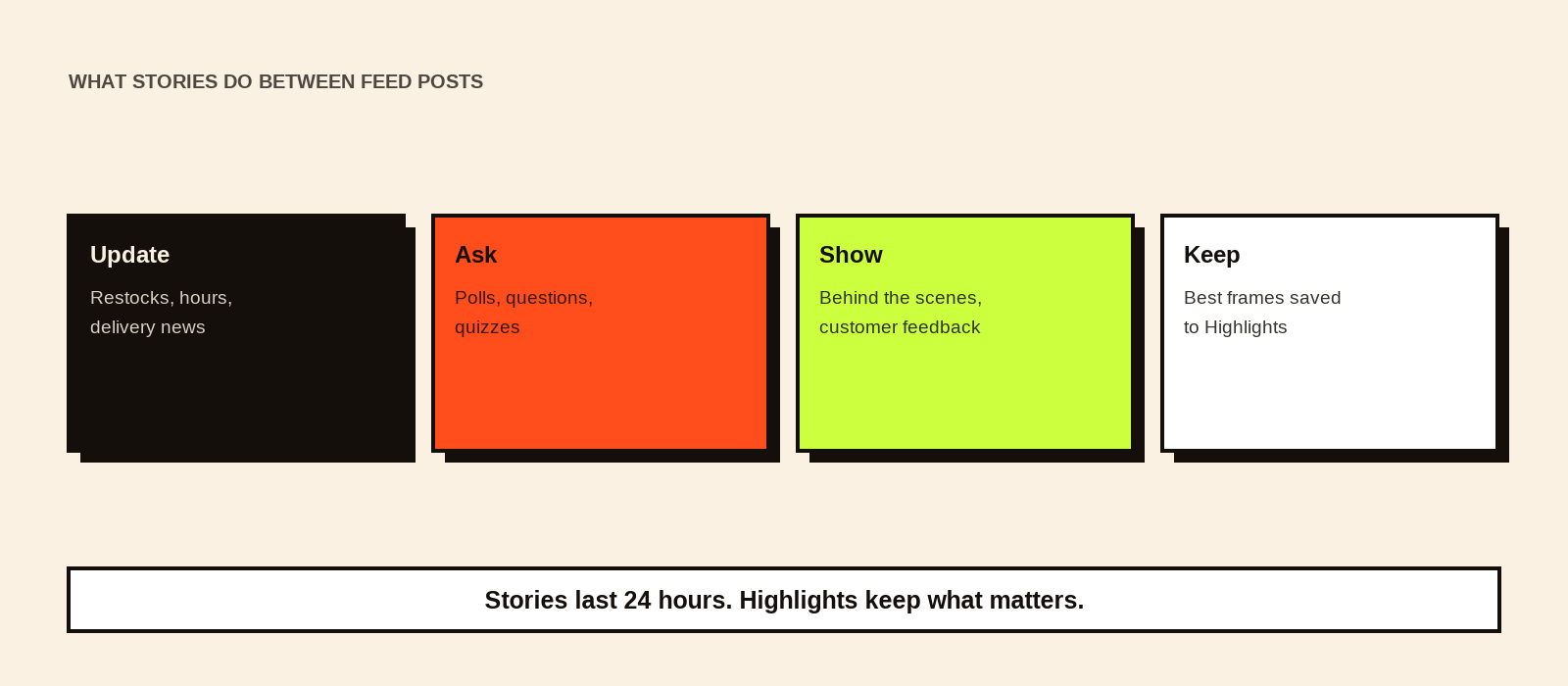
A bakery posts a new cake on its feed on Monday, then nothing until Thursday. In between, the owner is answering the same three DMs about delivery areas, eggless options and order cut-off times. Those three days are exactly when Stories could be doing the talking: a quick poll on next week's flavour, an answer to the delivery question, a look at the oven at 6 am.
Quick answer
Use Instagram Stories as the ongoing conversation between feed posts. Post short updates, answer FAQs, show behind the scenes, share customer feedback with permission and build up to launches. Use polls, questions, quizzes and link stickers to invite a response or a next step. Save the Stories worth keeping into Highlights on your profile, and review replies, sticker taps and exits each week to see what holds attention.
Stories as ongoing communication
Instagram's own guide says Stories last for 24 hours from the moment you post them, then move to your archive. That short life is what makes them useful: they can be quick, informal and timely without cluttering the profile grid. The feed carries the polished, lasting content. Stories carry the day-to-day.
In practice, Stories are mostly seen by people who already follow you. That makes them a retention and trust tool more than a reach tool. Plan them for the customer who is already interested and needs a reason to come back, ask a question or buy. This guide is about your brand's own Stories. If you're working with creators, see our guide to Instagram Stories influencer marketing.
What to post in Stories
Product updates
Restocks, new shades or sizes, price changes, delivery updates and opening hours. These are useful but too small for a feed post. Keep them short, one message per frame, with large readable text.
FAQs
Take the questions you get most in DMs and comments and answer one per day. Over time these become a ready-made FAQ Highlight, and they reduce repetitive DMs.
Behind the scenes
Packing orders, a team meeting, a supplier visit, a product being tested. This content doesn't need to be polished, but it does need to be real. Check that nothing confidential, such as customer addresses on labels, is visible.
Customer feedback, with permission
Resharing a customer's Story when they tag you is common practice, but ask before you screenshot a DM or a review and post it. Remove personal details, never edit what the customer said, and keep a record of the permission. Our guide to using customer testimonials and UGC covers the evidence and consent rules in more detail.
Launches and community interactions
Use Stories to build up to a launch over several days: a teaser, a countdown, a sneak peek, then launch day with a link. Between launches, reply to good questions publicly in Stories (with the person's permission if you show their name), run small polls and thank people who share your product.
Interactive stickers and how to use them
At the time of writing (November 2026), Instagram's guide to Stories lists poll, quiz, questions, emoji slider, countdown, link and Add Yours stickers, among others. Instagram opened the link sticker to all accounts in October 2021, except new accounts and accounts that repeatedly break Community Guidelines. Sticker options change, so check the sticker tray in the app before planning a campaign around one.
| Sticker | Good business use | Watch out for |
|---|---|---|
| Poll | Choose the next flavour, colour or topic; quick sentiment checks | Only ask what you'll act on, and share the result |
| Questions | Collect FAQs, run an 'ask us anything' with a product expert | Screen replies before resharing; some will be complaints |
| Quiz | Light product education, myth vs fact | Keep it fair and easy; don't make claims you can't support |
| Emoji slider | Gauge enthusiasm for an idea or launch | Hard to act on, so use it sparingly |
| Countdown | Launches, sales, events and live sessions | Followers can opt in to a reminder, so keep the date |
| Link | Send people to a product page, booking page or form | One clear destination per frame; check the link works |
If you plan to boost a Story as an ad, check Instagram's boosting rules first. At the time of writing, Instagram Help says Stories with polls, quizzes, music or link stickers can't be boosted, so build boosted Stories separately.
Highlights: the Stories worth keeping
Highlights appear as round covers under your bio and, according to Instagram, stay there until you remove them. For a business they work like a small menu on the profile. Common sets include FAQs, how to order, delivery, reviews, product categories, stores or locations, and new arrivals.
- Keep five to eight Highlights, ordered by what a new visitor most needs.
- Use short, plain names that fit under the cover.
- Use consistent cover designs so they look like one set.
- Remove outdated offers, prices and expired links every month.
- Put the most useful frame first in each Highlight, because many people won't tap through all of them.
Highlights are a big part of how a profile converts visitors into enquiries, which we cover in how to turn Instagram profile visitors into business enquiries.
A seven-day example Stories plan
Here's a hypothetical week for an online tea brand launching a new cold brew blend on Saturday. It's an illustration, not a benchmark for volume.
| Day | Theme | Frames | Sticker or action |
|---|---|---|---|
| Monday | Behind the scenes | Blending and packing the new batch, no product name yet | Emoji slider: how much do you like cold brew? |
| Tuesday | FAQ | Answer 'Is this tea caffeinated?' with a simple graphic | Questions sticker: what else do you want to know? |
| Wednesday | Teaser | Close-up of the new pack, name hidden | Countdown to Saturday |
| Thursday | Education | Three-frame quick quiz on cold brewing vs hot brewing | Quiz sticker |
| Friday | Community | Reshare two customer Stories (with permission) of their current favourite blend | Poll: which pairing should we post next? |
| Saturday | Launch | Reveal, how to brew it, price | Link sticker to the product page |
| Sunday | Recap | Answers to questions from the week, poll result | Add the best frames to the New Arrivals and FAQ Highlights |
Measuring Story performance
At the time of writing (November 2026), Instagram Help shows Story insights for professional accounts, including interactions such as replies, shares, sticker taps and link taps, and profile activity such as profile visits and follows. Navigation data shows forward taps, back taps, swipes to the next story and exits. Instagram Help says Story insights stay available for up to two years.
- Compare views on the first frame of the day with the last frame. A sharp drop shows where people lost interest.
- Look at exits and next-story swipes frame by frame, not just in total.
- Back taps often mean a frame had too much text to read in time.
- Count replies and sticker taps as signals of interest, and read the replies themselves.
- Track link taps against the visits and enquiries your website or booking tool records.
Our guide to Instagram Insights for creators explains the metrics in more depth; the definitions are the same for brand accounts.
Common mistakes
- Posting Stories only when there's a sale.
- Ten frames in a row of reshared tags, with nothing from the brand.
- Polls and questions with no follow-up, so followers stop answering.
- Small text near the top or bottom of the frame, where it gets covered.
- Highlights full of expired offers and broken links.
Practical recommendations
- Plan Stories weekly, with a theme for each day, and leave room for real-time updates.
- Use at least one interactive sticker a week, and share what you learned from it.
- Keep a library of templates for FAQs, updates and launches so Stories are quick to make.
- Review Story insights weekly and Highlights monthly.
- Agree who answers Story replies, because they land in your DMs.
Stories are a natural part of community management, and they sit in the same monthly plan as feed posts in a social media management engagement. For how that plan fits together, see Instagram management for businesses, and for how we work with brands, visit our brands page.
Where to start
Pick one theme per weekday, write down your five most common customer questions, and plan next week's Stories around them. Add one sticker a week, keep the best frames in Highlights, and look at exits and replies every Friday. Stories work best as a habit, not a campaign.