Influencer Campaign Status Tracking: How Brands Can Monitor Every Creator Partnership
How to track every creator's status through a campaign: one row per creator per campaign, fixed statuses, the columns that matter, views for different people, update rules, what to flag and how the tracker feeds dashboards and reports.
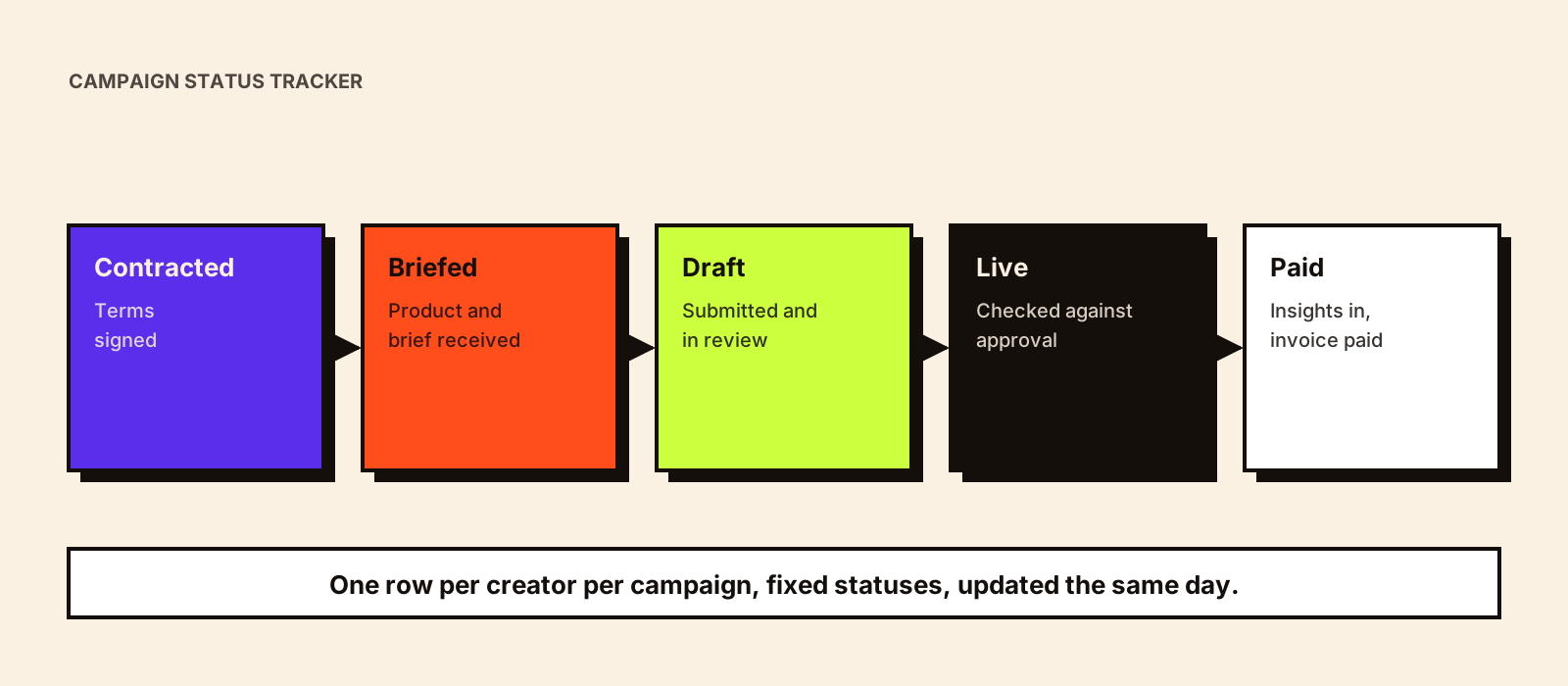
'Where are we with the Pune creators?' If answering that means scrolling three WhatsApp groups and asking two colleagues, the campaign doesn't have a tracker; it has memory. A simple, disciplined tracker answers it in seconds, shows what's at risk before it's late, and becomes the source for dashboards, payments and reports.
Quick answer
Track influencer campaigns with one row per creator per campaign, a fixed list of statuses (from shortlisted through contracted, briefed, draft submitted, approved, live, insights received and paid), and columns for owner, key dates, deliverables, links and flags. Update statuses the same day something changes, review the tracker on a set rhythm, flag anything due in the next few days or overdue, and build views for different people from the same data.
Statuses
Shortlisted → Contacted → Negotiating → Contracted → Product sent → Briefed → Draft submitted → Changes requested → Approved → Live → Insights received → Invoice received → Paid → Closed
Side statuses: On hold · Declined · Dropped (with reason)
Each status should have one meaning everyone agrees on. 'In progress' isn't a status. Influencer campaign automation shows how status changes can trigger reminders and next steps.
Columns that matter
| Group | Columns |
|---|---|
| Identity | Creator, platform, language, region, tier, manager |
| Ownership | Brand owner, reviewer |
| Agreement | Deliverables, fee, usage, exclusivity, agreement link |
| Dates | Product delivered, draft due, feedback due, go-live, insights due, payment due |
| Status | Current status, date entered status |
| Content | Draft link, approved version, live URL |
| Tracking | UTM link, discount code |
| Results | Views and engagements at day 7 and 30 (or link to report) |
| Flags | Overdue, due soon, issue, on hold reason |
'Date entered status' is the column most teams skip and the most useful for finding bottlenecks later; influencer campaign delays explains why.
Views for different people
| Viewer | View |
|---|---|
| Campaign manager | All creators by status, with flags and next dates |
| Reviewer | Drafts waiting for feedback, sorted by due date |
| Brand lead | Counts by status; at-risk creators; go-live calendar |
| Finance | Payments due, invoice status (no other columns needed) |
| Logistics | Product dispatch and delivery status |
Update rules
- Update the status the same day something changes.
- One owner per row; they keep it current.
- Dates in one format; links rather than attachments.
- Notes are short and factual; long discussions belong elsewhere.
- Review the tracker on a set rhythm (daily during live windows, a few times a week otherwise).
Flags to watch
- Drafts due in the next three days and not yet submitted.
- Drafts waiting for feedback longer than the agreed time.
- Approved content not live by the go-live date.
- Live posts without insights after the capture date.
- Payments due within a week with no invoice.
- Anything 'on hold' for more than a few days.
From tracker to dashboard and reports
The tracker is the operational record. Dashboards and reports should read from it rather than from copied numbers: counts by status, go-live progress, results per creator. Influencer marketing dashboard covers what to show in a dashboard, and creator payment tracking covers the finance view.
Spreadsheet or software?
A well-structured spreadsheet or database works for most brands running a few campaigns at a time. Dedicated campaign management software helps when many people need access, creators submit drafts through a portal, or you need automation built in. Either way, the statuses and update rules matter more than the tool. Influencer campaign management software compares the options.
Hypothetical example
Hypothetical: a beauty brand runs 30 creators across Hindi, Tamil and Bengali for a launch. Its tracker has one row per creator, fixed statuses and a 'due in 3 days' flag. Each morning the campaign manager filters for flags: two drafts due tomorrow not yet submitted, one draft waiting three days for feedback, one Bengali creator's product still in transit. Each gets a specific action before lunch. Nothing reaches go-live day as a surprise.
A tracker header row you can copy
Creator | Platform | Language | Region | Tier | Manager | Owner | Reviewer | Deliverables | Fee | Usage | Agreement link | Product delivered | Draft due | Feedback due | Go-live | Insights due | Payment due | Status | Date entered status | Draft link | Approved version | Live URL | UTM link | Code | Views D7 | Views D30 | Flag | Notes
Start with these and remove what you don't use. Keep payment details (bank, tax documents) in finance's system and only the payment status here. Influencer campaign documentation covers where agreements, approvals and screenshots should live.
Tracking across several campaigns
- Keep one tracker per campaign, or one table with a campaign column, but always one row per creator per campaign.
- Use the same statuses and column names everywhere so roll-up views work.
- Roll up counts by status across campaigns for a weekly operations review.
- Copy long-term essentials (results, reliability, rights) to the creator's CRM record when a campaign closes.
Common mistakes
- Free-text statuses that mean different things to different people.
- One row per creator across campaigns, mixing histories.
- Updating weekly instead of when things change.
- No 'date entered status', so waiting time is invisible.
- Sensitive payment data in the shared tracker.
Conclusion
A good campaign tracker is simple: one row per creator per campaign, fixed statuses, the columns that drive action, same-day updates, flags for what's due or overdue and views for each team. It turns 'where are we?' into a filter, and it's the foundation for dashboards, payments and reports. For coordinating many creators at once, see influencer campaign coordination.